
This guide is for Client Users who have an existing Wamly account. Read the new user sign-up guide if you are a new Client User.
Visit the login page : https://my.wamly.io
Enter your email address and click "Continue".
Enter your password and click "Login".
If your organisation uses Google or Single Sign-On, click "Google" or "Continue with SSO" instead of entering a password.
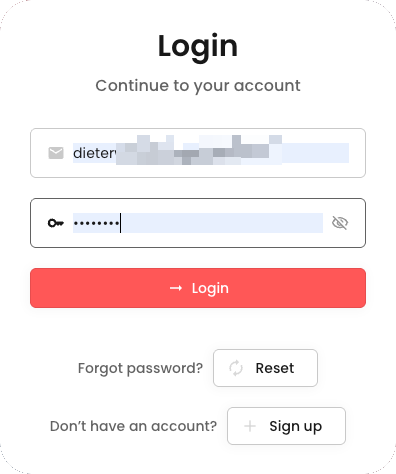
No Multi-Factor Authentication Configured
If you do not have Multi-Factor Authentication configured, you will be asked to configure MFA. If your organisation requires MFA, you must add a method before you can continue; otherwise you can click "Skip". Follow the How to Configure Muti-Factor Authentication? guide to continue.
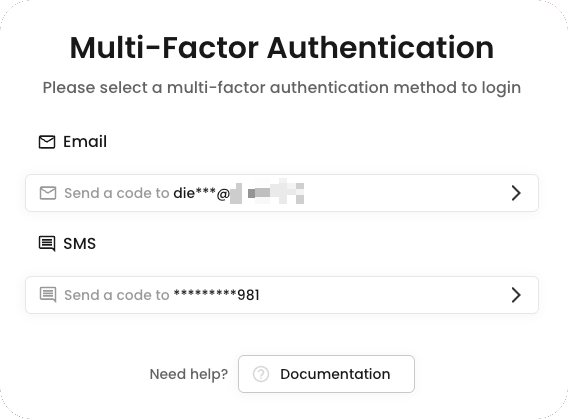
Multi-Factor Authentication Configured
If you already have Multi-Factor Authentication configured, you will be asked to select a Multi-Factor Authentication method to log in.
Enter the OTP that was sent to the email address/phone number.
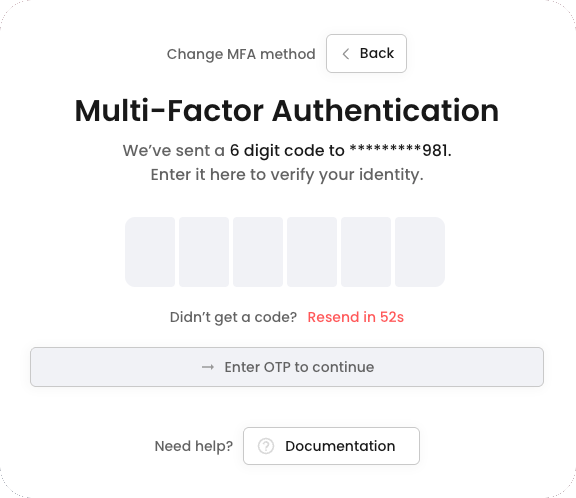
Click "Verify".