
Before registering as a new user, you must have a newly created Organisation or receive an invitation from an existing Organisation System Manager.
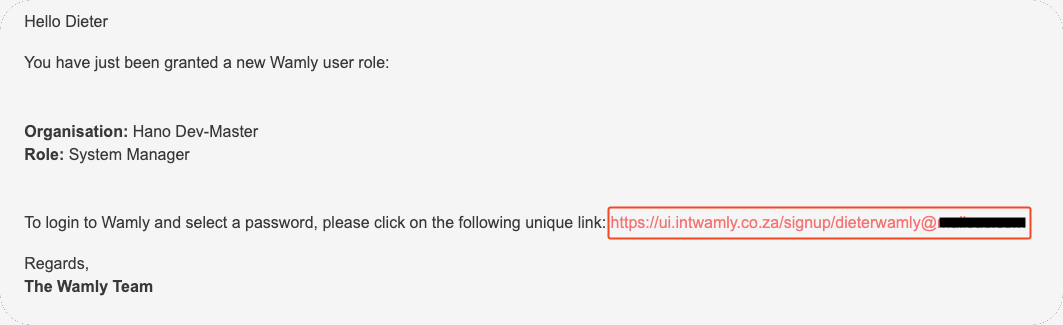
Navigate to your email invite.
Click on the Signup link to create a password.
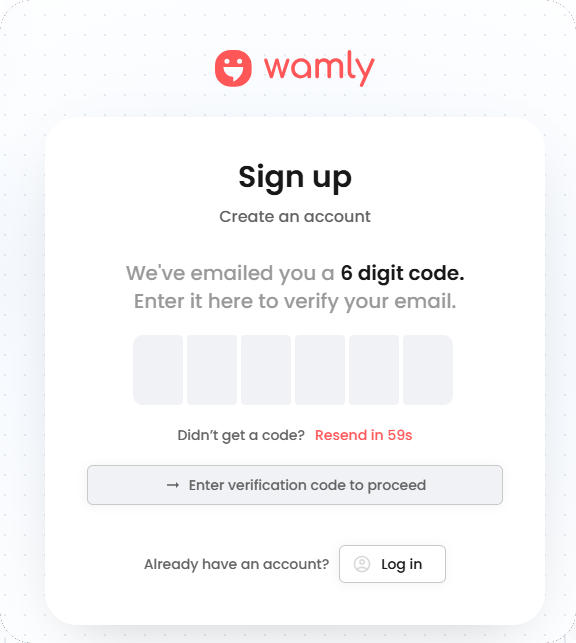
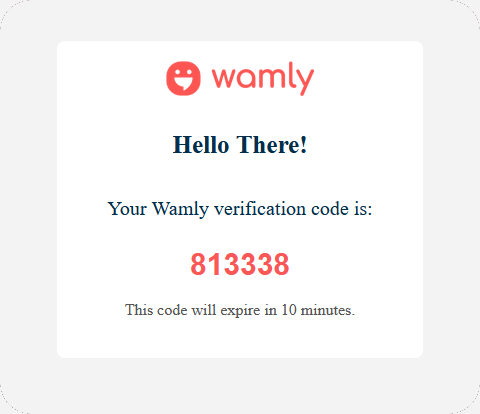
Enter the OTP from the email to confirm it's you.
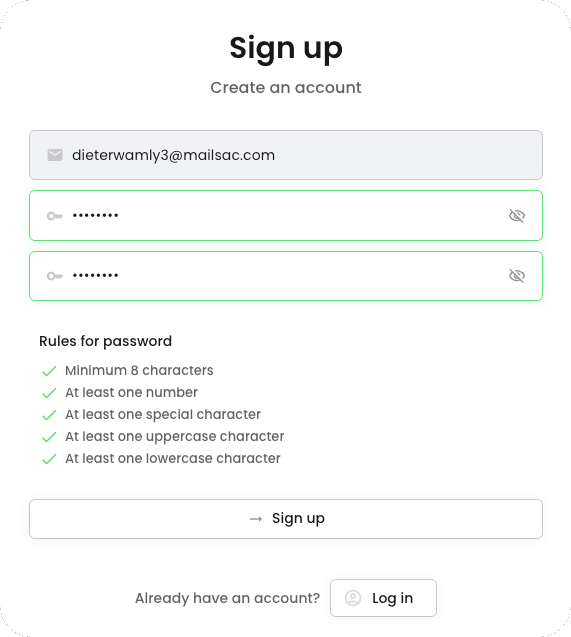
Create a new password.
Confirm the password.
Click "Sign up".
You will be signed in and taken to the Multi-Factor Authentication screen. Follow the How to Configure Multi-Factor Authentication? guide to continue.
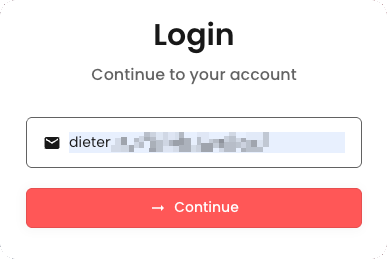
Next time, follow the login instructions to log into your account: How to login to Wamly as a Client?